The Visual Language of Non-Deterministic UI
AI software is moving away from the traditional request-response loop. In standard apps, you click a button and wait for a finished state. In AI-driven interfaces, we’re navigating a gray area of non-determinism where th
Automation needs a narrow first win
The best first AI workflow is usually a repeated task with a clear input, clear output, and a human approval step.
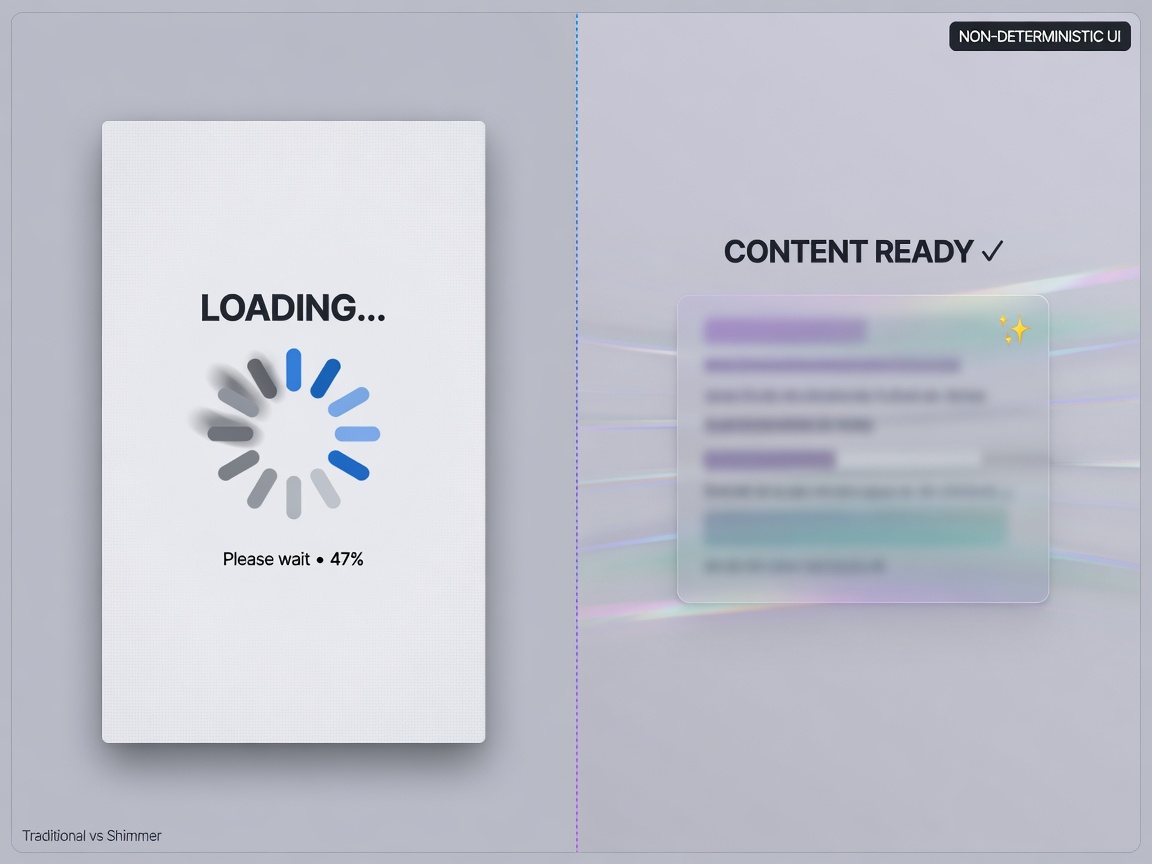
AI software is moving away from the traditional request-response loop. In standard apps, you click a button and wait for a finished state. In AI-driven interfaces, we’re navigating a gray area of non-determinism where the 'thinking' process is actually the product. This shift is creating a distinct visual language that separates AI tools from native OS applications.
Signaling the 'Thought' Process
Because AI outputs are unpredictable, we’ve swapped standard loading spinners for streaming text and 'shimmering' effects. These aren't just aesthetic choices; they’re functional signals that the system is actively fetching or processing data in real-time. It keeps the user engaged with the 'thinking' process rather than staring at a blank screen. This is complemented by the sparkle emoji (✨), which has become our universal shorthand. It tells the user, 'Hey, this isn't a hard-coded rule; a model is working on this.'
Worth a look
Phugialy Picks

AI Engineering: Building Applications with Foundation Models
A practical guide to building real-world applications with foundation models and LLMs.

GMKtec K15 AI Mini PC Oculink Intel Ultra 5 125U 32GB DDR5 512GB SSD | Desktop Computer AI Boost, 3X M.2 2280 Storage Expansion, Dual NIC...

GEEKOM IT15 AI Mini PC, Intel Ultra 9 285H(99 Tops), 32GB DDR5, 1TB SSD | The Most Powerful Workstation,Arc 140T GPU,WiFi 7,8K Business D...
Some Phugialy Picks use affiliate links. If you buy through one, Phugialy may earn a commission. It doesn't change what we recommend. Full disclosure →
The Aesthetic of 'Sophisticated' Intelligence
Look at Claude, Codex, and Cursor. They aren't trying to mimic the bold, rounded aesthetics of native macOS apps. Instead, they opt for smaller, thinner icons and a palette of beige, cream, and orange accents paired with serif typefaces. It feels academic—almost deliberate. It’s a move to distance the tool from utilitarian productivity and into the realm of 'sophisticated' intelligence, signaling a different kind of workspace for the user.
Solving the 'Whack-a-Mole' UI Problem
The real technical hurdle, however, is the 'whack-a-mole' effect. When an LLM’s output isn’t fixed, the UI can repaint unexpectedly as the model updates its confidence or changes its output. For a developer, this is a production nightmare. It breaks the user's mental model of state consistency. You aren't just building a UI for a result; you're building a UI for a moving target.
Visual Buffers for Underlying Instability
Here’s the real story: the sparkles, the shimmering, and the beige palettes are often acting as visual buffers for the underlying instability of the technology. While these patterns make for a polished demo, they don't solve the core problem of non-deterministic state management. We’re entering an era of 'uncertain' interfaces. The real win isn't just making the AI look smart with a serif font; it’s figuring out how to stabilize the UI so that non-deterministic output feels predictable. If we can't handle the 'whack-a-mole' effect at scale, these apps will always feel like they're fighting the user rather than assisting them.
Got a question about how this applies to you? →
Keep reading
Follow the thread
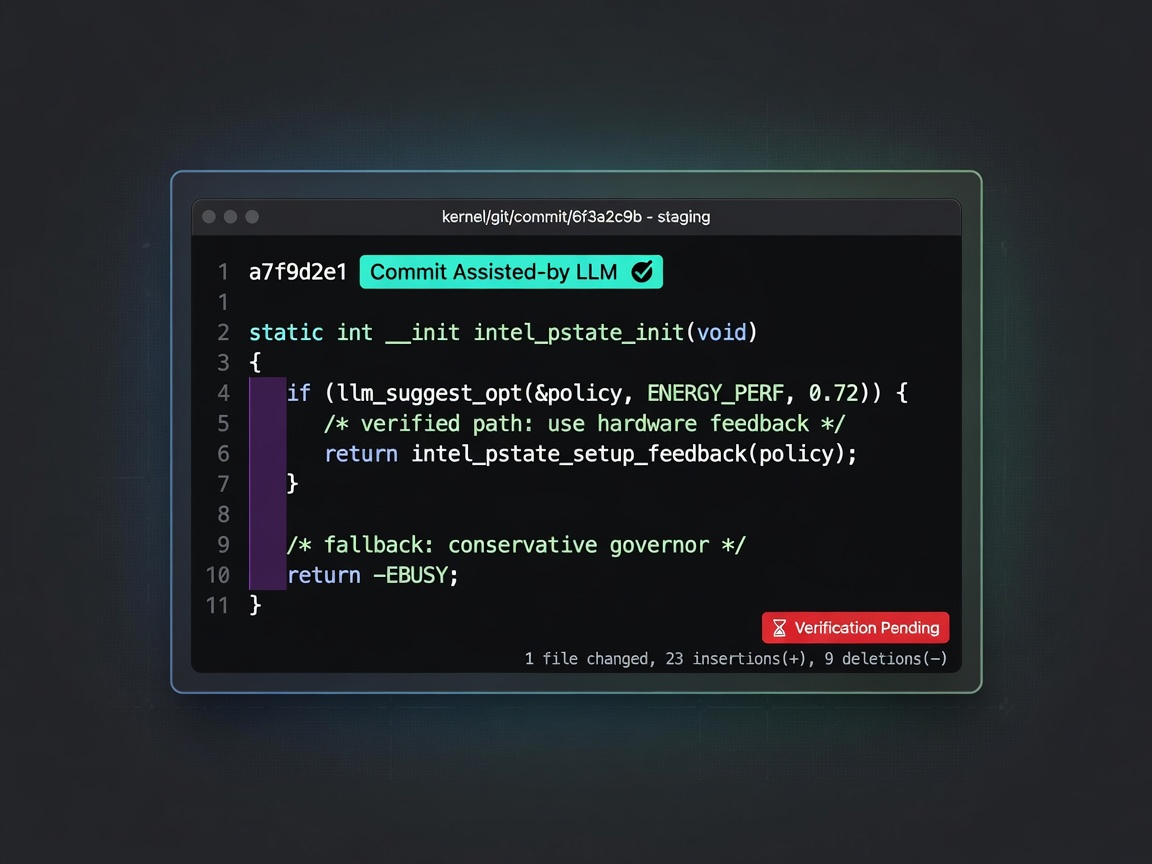
The Linux Kernel's AI Pivot: Technical Merit vs. The Verification Bottleneck
If we're strictly chasing technical excellence, what happens when the 'best' code is just the code that aligns with a corporate owner's hidden priorities?
Read this noteSame lane, different angle
The Polish Gap: Why AI Can't Replace Engineering Judgment
AI can follow a recipe perfectly, but it doesn't know what a steak is. If we outsource the 'how' to a machine, we risk a future of technically correct but practically flawed software. Here is why human judgment remains the most critical part of the stack.
Google Earth’s Image Generation Rollback: A Lesson in Guardrail Debt
Google just pulled the plug on its image generation feature in Google Earth. The reason? Policy violations. Even though the generated images were watermarked as AI-generated and kept in a 'private' sandbox—meaning they w