A Local AI Setup Depends on VRAM, Not Just the Model
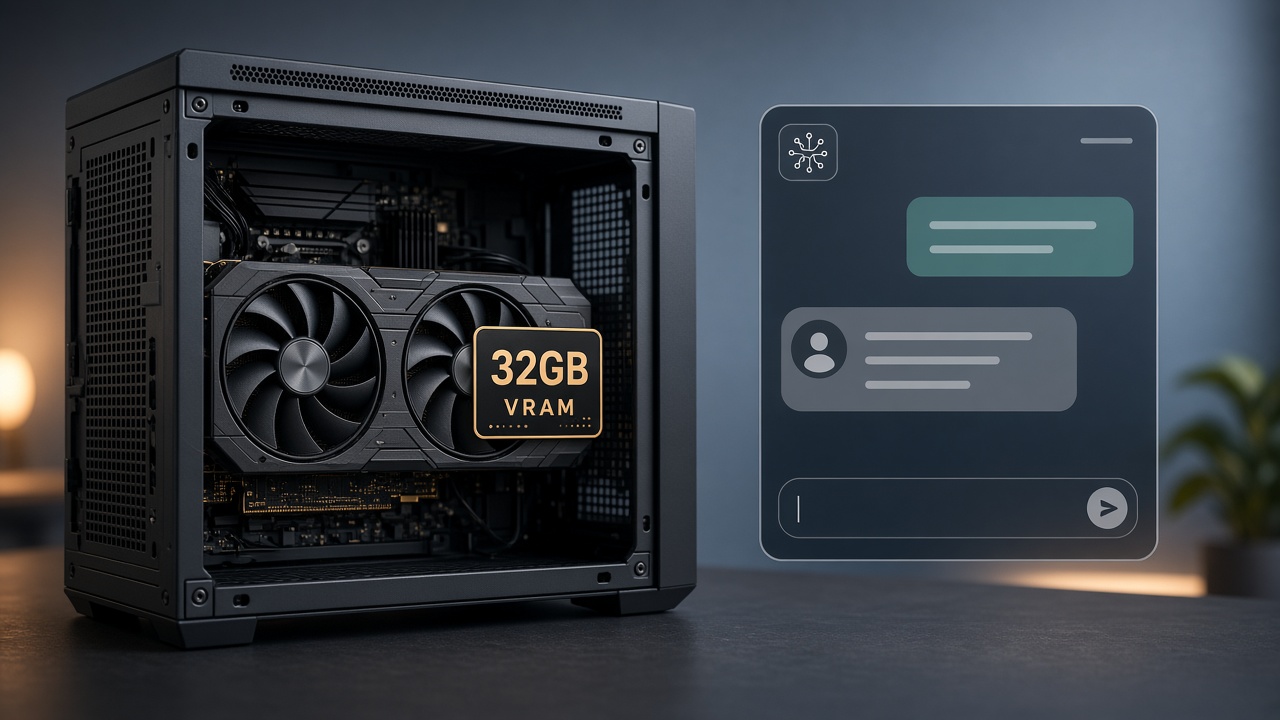
A local AI setup with Qwen3.8-27B at 4-bit quantization is the example in this guide, running on an RTX 5090 with 32GB of VRAM. Unsloth Desktop serves the model through a chat interface, with no terminal commands, Python
Automation needs a narrow first win
The best first AI workflow is usually a repeated task with a clear input, clear output, and a human approval step.
A local AI setup with Qwen3.8-27B at 4-bit quantization is the example in this guide, running on an RTX 5090 with 32GB of VRAM. Unsloth Desktop serves the model through a chat interface, with no terminal commands, Python environments, or subscriptions required.
A local AI setup starts with the VRAM budget
The guide’s sizing rule is practical: 8–12GB of VRAM can handle smaller 9B–12B models, while 32GB comfortably runs 27B–35B models. Those figures make the first decision less about finding the most impressive model name and more about matching model size and context length to the GPU you actually have.
Quantization is part of that calculation. It compresses model weights to reduce memory needs, with a possible tradeoff in accuracy. The featured Qwen3.8-27B setup uses 4-bit quantization. That gives a concrete starting point, but it shouldn’t be read as a universal performance guarantee: the source’s estimates are hardware guidance, not a benchmark for every workload.
The source says setup takes about 10–15 minutes once the hardware is sorted, excluding download times. That is a useful measure of the software path, but downloads and the cost of having enough GPU memory remain outside that estimate.
Worth a look
Phugialy Picks

GMKtec K15 AI Mini PC Oculink Intel Ultra 5 125U 32GB DDR5 512GB SSD | Desktop Computer AI Boost, 3X M.2 2280 Storage Expansion, Dual NIC...

ASUS TUF Gaming GeForce RTX 5070 12GB GDDR7 OC Edition Graphics Card

GEEKOM IT15 AI Mini PC, Intel Ultra 9 285H(99 Tops), 32GB DDR5, 1TB SSD | The Most Powerful Workstation,Arc 140T GPU,WiFi 7,8K Business D...
Some Phugialy Picks use affiliate links. If you buy through one, Phugialy may earn a commission. It doesn't change what we recommend. Full disclosure →
Inkling’s context window does not erase its hardware limits
Inkling 2 Mini is described as a 26.4B-parameter mixture-of-experts model with vision support and a 1M-token context. Those specs make it an interesting candidate for tasks involving both text and images, or long inputs. But a large context figure is not a substitute for checking whether the model fits the machine: the source explicitly ties model size and context length to available VRAM.
The larger Inkling 2 Small is a sharper warning against choosing by headline specification alone. Its smallest published file is 171.7GB, which the guide places beyond ordinary graphics-card setups. That is a file-size figure, not a promise that a typical home GPU can load it. For a home build, the relevant question is what your hardware can serve—not which model advertises the biggest context.
Treat “private” as a deployment choice to verify
The appeal is straightforward: run an AI model locally through a familiar chat interface, without a subscription, and potentially make it available to the household. The source calls it private and says the whole house can use it. My read is that local inference changes the integration problem: instead of signing up for a hosted service, you need suitable hardware and a model that fits it.
I would still treat “private” as a deployment claim to verify, not as a complete security design. The guide’s setup description does not specify how household access is configured or establish what other data-handling controls are in place. If you’re building this for multiple people, test the actual access boundary as well as the model response. Start with a model that fits your VRAM, then decide whether the resulting local service meets your privacy and sharing needs.
Holiday picks
Black Friday: big-ticket buys
The big-ticket day: computers, screens, audio and home upgrades worth waiting for.

Audio
Big purchaseBose QuietComfort Headphones - Wireless Bluetooth Headphones, Active Over Ear Noise Cancelling and Mic, USB-C Charging, Deep Bass, Up to ...
View on Amazon (opens in a new tab): Bose QuietComfort Headphones - Wireless Bluetooth Headphones, Active Over Ear Noise Cancelling and Mic, USB-C Charging, Deep Bass, Up to ...Prices change daily. Check today's price on Amazon.

Home & Kitchen
Keurig K-Elite Single Serve K-Cup Pod Coffee Maker, Brushed Silver
View on Amazon (opens in a new tab): Keurig K-Elite Single Serve K-Cup Pod Coffee Maker, Brushed SilverPrices change daily. Check today's price on Amazon.

Home & Kitchen
De'Longhi Magnifica Duo Automatic Espresso Machine, Milk Frother, Silver
View on Amazon (opens in a new tab): De'Longhi Magnifica Duo Automatic Espresso Machine, Milk Frother, SilverPrices change daily. Check today's price on Amazon.
We earn from qualifying purchases made through these links, at no extra cost to you, as an Amazon Associate and through other affiliate programs. Disclosure. See all Black Friday picks
Got a question about how this applies to you? →
Keep reading
Follow the thread
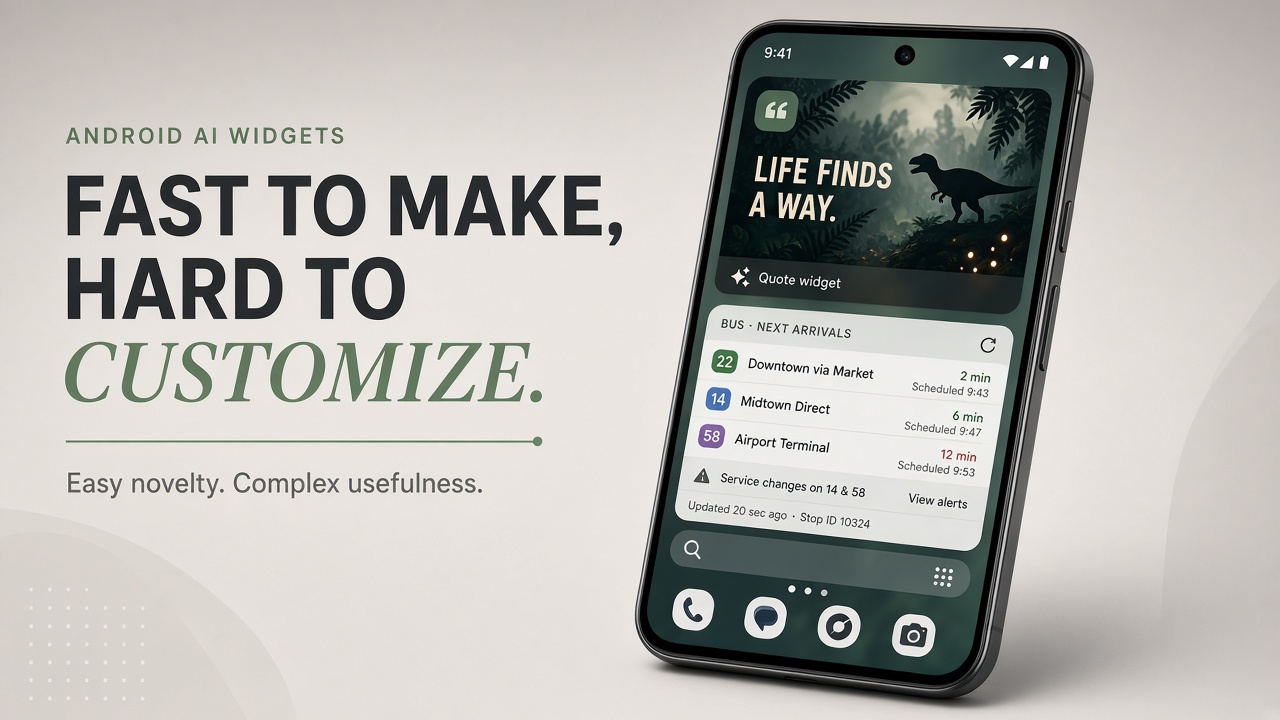
Android AI Widgets Are Fast to Make, Hard to Customize
Google’s AI made a Jurassic Park quote widget in about 20 seconds. But when asked for a bus-arrival widget, it produced a wordy schedule response instead of the glanceable live information the tester wanted.
Read this noteSame lane, different angle
AI in Video Games Still Needs More Than a Prompt
A prompt can produce an explorable 3D world. That is not the same as producing a game players will choose—or a business can profitably sell. GTA VI offers a useful counterpoint: its creative process involved years of human experimentation and revision.
Local Inference Benchmarking Gets a Public AMD Dashboard
A public llama.cpp dashboard makes AMD inference results inspectable and reusable. Its measurements are useful, but they answer a narrower question than a universal performance ranking.