The Prototype Trap: Why AI-Driven Development Needs Guardrails Before Implementation
AI speeds up development, but it also invites logic gaps. By adopting 'Constraint-First Development' using Pydantic and structural guardrails, engineers can treat AI outputs as untrusted inputs, turning ephemeral prototypes into production-ready code.
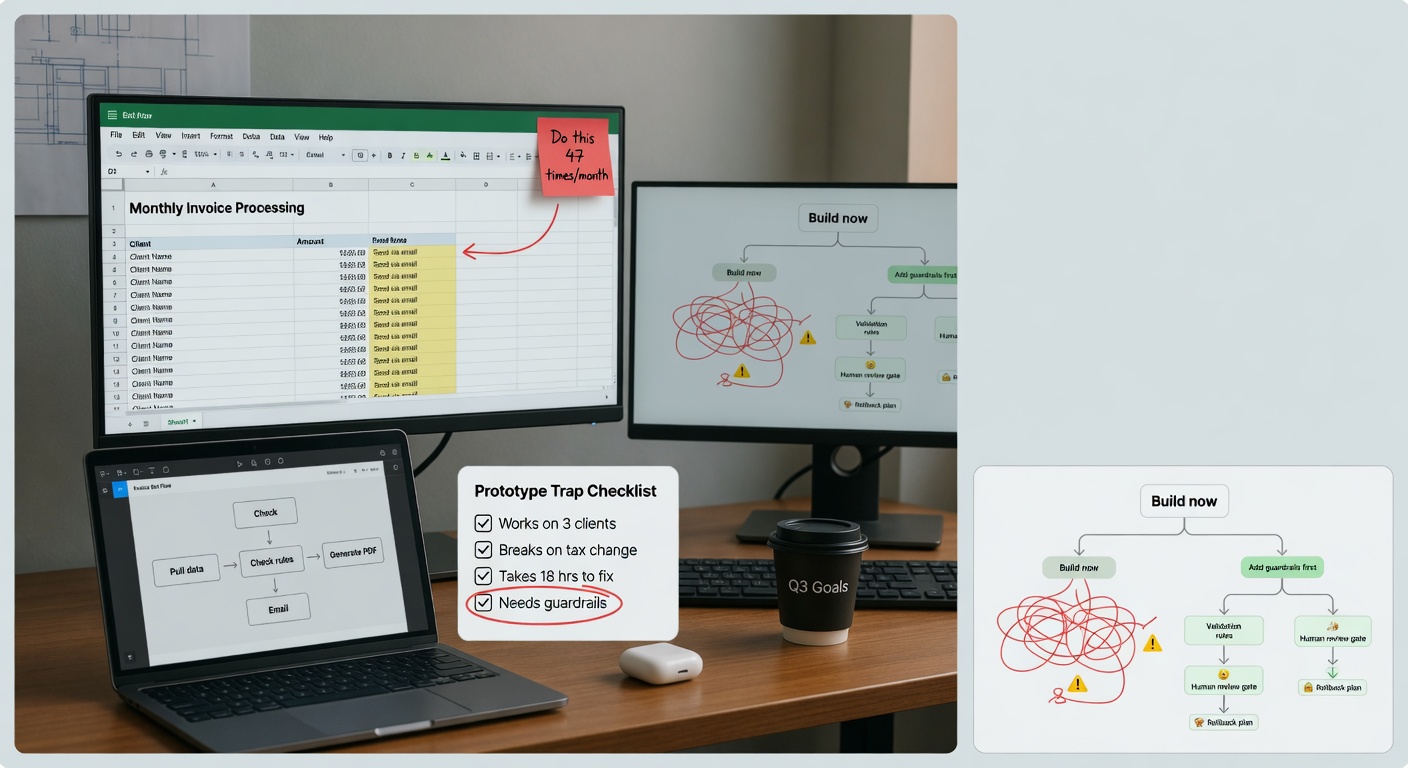
Automation needs a narrow first win
The best first AI workflow is usually a repeated task with a clear input, clear output, and a human approval step.
The Prototype Trap: Why AI-Driven Development Needs Guardrails Before Implementation
We’ve all been there: you describe a feature to an LLM, it spits out 50 lines of Python, and it works perfectly on the first try. It feels like magic. But that "magic" is exactly where the trap lies.
The Problem
The speed of AI-assisted coding has created a dangerous imbalance. We are now capable of generating features in minutes that we haven't fully stress-tested or architected. The "Prototype Trap" occurs when a developer assumes the AI understands the business logic and edge cases as deeply as they do. It doesn't. It understands patterns, not stakes.
What I Noticed
I’ve seen a shift in engineering teams where requirements gathering is being bypassed. The logic is: "The AI can figure out the validation/logic, so I don't need to define it." This is a mistake. When you skip defining constraints, you aren't saving time; you're just deferring the debugging phase to production, where the stakes are significantly higher.
Where AI Fits
The goal isn't to stop using AI to write code. The goal is to change what you ask the AI to write. Instead of asking it to write the feature logic, I now ask it to write the Validation Layer.
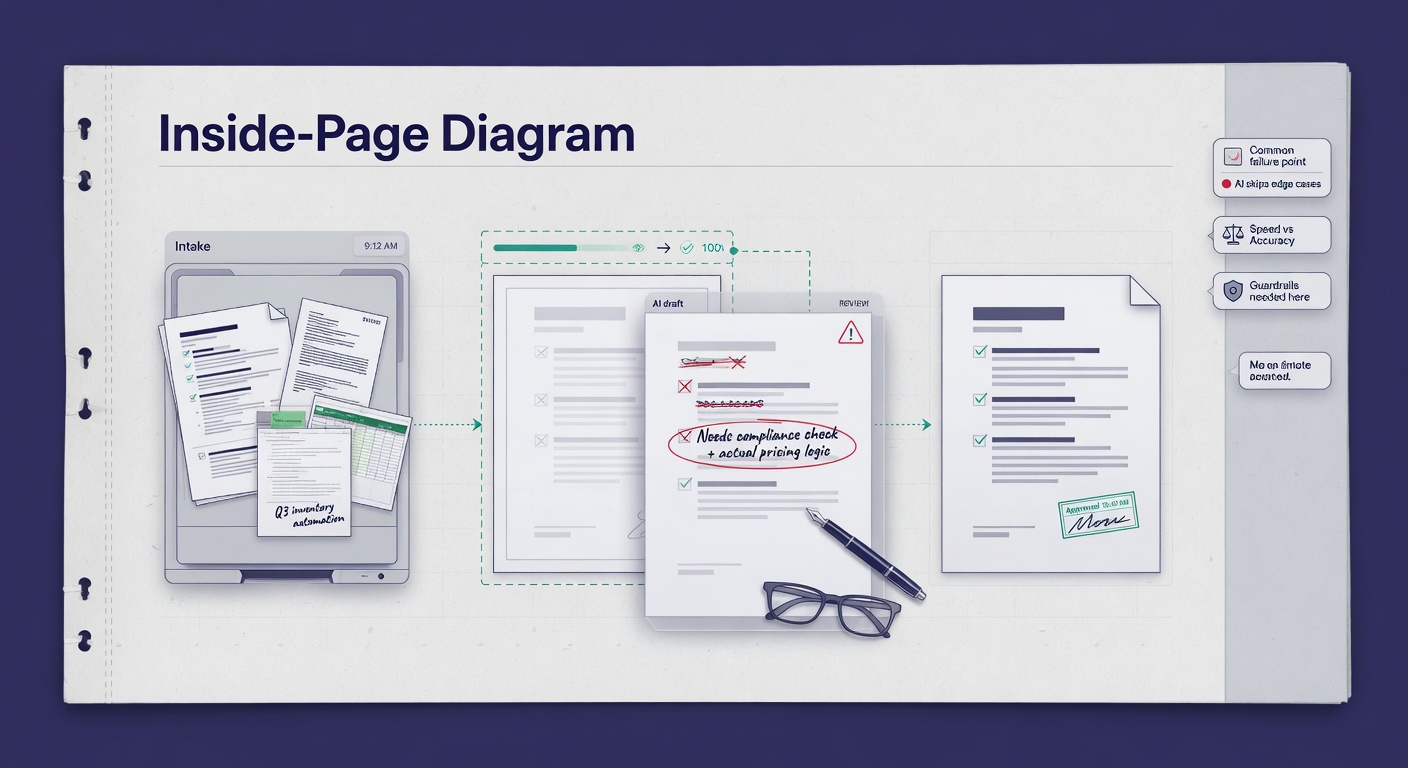
AI is surprisingly good at writing defensive code, schema definitions, and test suites—the very things that keep your application from crashing when the LLM inevitably hallucinates or returns unexpected data structures.
My Working Approach: Constraint-First Development
I’ve moved to a "Constraint-First" workflow. Before I ask the AI for a single line of business logic, I define the boundaries:
- Define the Schema: Use Pydantic to force the AI to adhere to a strict data structure.
- Define the Guardrails: Use tools like Guardrails AI to ensure the outputs stay within domain-specific boundaries.
- Generate the Logic: Only after the constraints are set do I generate the implementation.
Practical Example: The Pydantic Gatekeeper
If I need an AI to extract user sentiment and return a JSON object, I don't just ask for JSON. I define a Pydantic model first:
from pydantic import BaseModel, Field, validator

class SentimentResponse(BaseModel):
    score: int = Field(..., ge=-1, le=1)
    reasoning: str

    @validator('reasoning')
    def must_be_detailed(cls, v):
        if len(v) < 10:
            raise ValueError('Reasoning must be at least 10 characters')
        return v
By forcing the AI to output into this structure, I treat the LLM as an untrusted third-party API. If the output doesn't match the schema, it fails at the boundary, not deep inside my business logic.
What I Would Avoid
Don't fall for "Validation Overload." It is possible to create guardrails so complex that they become harder to maintain than the application itself. Balance is key. Apply strict validation to the inputs and outputs of your LLM calls, but don't over-engineer the internal state management unless the complexity warrants it.
Also, stop treating AI-generated code as "done." Treat it as a draft that requires a peer review—just like you would a junior developer.
Try This Next
The next time you build an AI-powered feature, don't start with the prompt. Start with the BaseModel or the test suite. Ask the AI: "Here is the schema I need. Generate the logic that satisfies this schema and explain the edge cases you've accounted for."
Shift your engineering burden from writing code to defining constraints. That is the only way to scale AI integration without building a house of cards.
Worth a look
Phugialy Picks

Ultimate Microsoft Power Automate Desktop: Leverage Microsoft's Robotic Process Automation Capabilities to Automate Routine Tasks for Enh...

Master AI for Beginners: Develop Artificial Intelligence Basics, Understand Machine Learning, and Unlock the Power of Automation for Busi...

Workflow Automation with Microsoft Power Automate: Design and scale AI-powered cloud and desktop workflows using low-code automation
Some Phugialy Picks use affiliate links. If you buy through one, Phugialy may earn a commission. It doesn't change what we recommend. Full disclosure →
Got a question about how this applies to you? →
Keep reading
Follow the thread

The Architecture of Autonomy: Why Your Workflows Are Brittle
Phu explores the shift from rigid, brittle 'If/Then' automation workflows to resilient, goal-oriented agentic fleets, arguing that the key to scaling business operations is managing failure as an architectural parameter.
Read this noteSame lane, different angle
The Cognitive Debt of AI: Why I'm Restricting My Kids' Access to 'Smart' Assistants
An engineering-based perspective on why AI in education often creates 'cognitive debt' and how to use prompt engineering to force AI to act as a Socratic tutor rather than an answer-generator.
Beyond the Model: Hardening Your AI Workflow
Securing neural networks isn't about protecting the model weights; it's about treating AI as an untrusted software component. I break down how to implement input/output guardrails to prevent injection and data leakage.