AI Automation Should Start With One Boring Workflow
A practical note on starting AI automation with one repeatable workflow instead of a giant strategy.

Automation needs a narrow first win
The best first AI workflow is usually a repeated task with a clear input, clear output, and a human approval step.
AI Automation Should Start With One Boring Workflow
The problem
A lot of AI automation talk starts too high. Teams hear about agents, copilots, model upgrades, and full workflow automation, but the work in front of them is usually much simpler: someone is copying information from one place to another, rewriting the same update, checking the same document, or sending the same follow-up every week.
That is where I would start.
Worth a look
Phugialy Picks

Alienware 34 Curved Gaming Monitor – AW3425DWM - 34-inch WQHD 180Hz 1ms Display, 1500R, AMD FreeSync Premium, VESA AdaptiveSync.

AI Engineering: Building Applications with Foundation Models
A practical guide to building real-world applications with foundation models and LLMs.

Stanley Quencher H2.0 Tumbler 30oz
We'd buy this if: You want a large, well-reviewed insulated tumbler and don't mind it having nothing to do with AI.
We'd skip this if: You'd rather every Pick on this site stay strictly on-topic.
Some Phugialy Picks use affiliate links. If you buy through one, Phugialy may earn a commission. It doesn't change what we recommend. Full disclosure →
What I noticed
The useful part of AI is not the headline feature. It is the moment where a repeated task becomes easier to review, easier to route, and easier to finish without lowering quality.
For a small software team or local business, the first AI workflow should not be dramatic. It should be boring enough that everyone already understands the problem.
Where AI fits
AI fits best when the task has a repeatable shape but still needs human judgment.
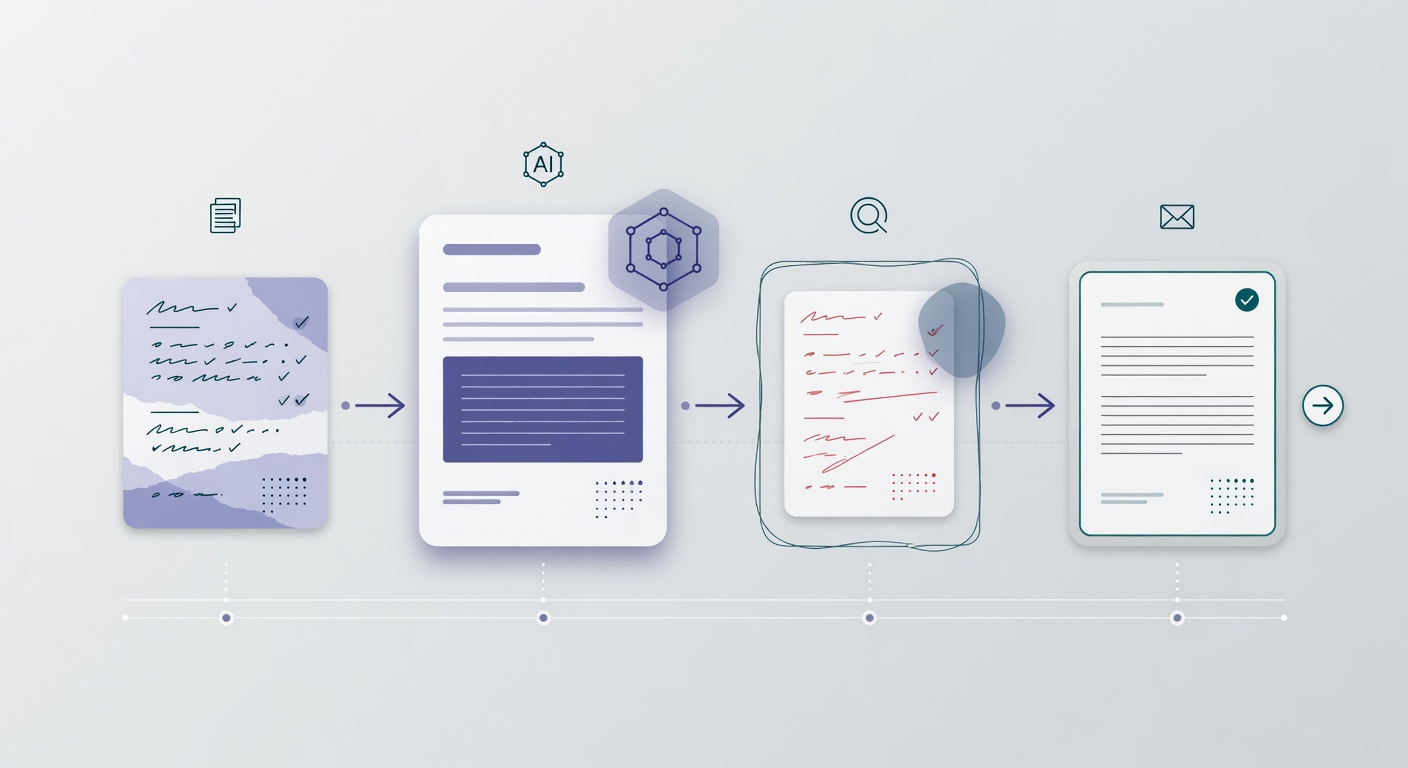
A good example is a weekly project update. The raw material might come from notes, emails, tickets, vendor updates, or a spreadsheet. A person still needs to decide what matters, but AI can draft the first version, organize the details, and flag missing pieces.
The value is simple: the person spends less time assembling the update and more time reviewing whether it is accurate.
My working approach
Here is how I would build the first version:
- Pick one workflow that repeats every week.
- Define the input clearly.
- Generate a draft, not a final answer.
- Store the draft somewhere reviewable.
- Require approval before publishing, emailing, or syncing.
- Track what changed after human review.
That last step matters. If the same corrections happen every time, the workflow is teaching you where the prompt, data model, or process needs to improve.
Practical example
For a Dallas-Fort Worth commercial project team, I would test this on weekly coordination updates.
The system could collect vendor notes, schedule changes, open questions, and document updates. Then it could draft a short summary with three sections: what changed, what needs attention, and what is blocked.
A project manager would still approve it. The automation would not replace judgment. It would remove the blank-page work and make the review step faster.
What I would avoid
I would avoid starting with a giant AI strategy. That usually creates more meetings than momentum.
I would also avoid letting AI send anything directly to customers, vendors, or production systems without a checkpoint. The workflow should earn trust before it gets more autonomy.
Try this next
Find one task your team repeats every week and write down three things:
- What information starts the task?
- What output does someone need at the end?
- Who should approve it before it goes out?
If those answers are clear, you probably have a good first automation candidate.
The useful part is not the hype. It is the workflow.
Got a question about how this applies to you? →
Keep reading
Follow the thread
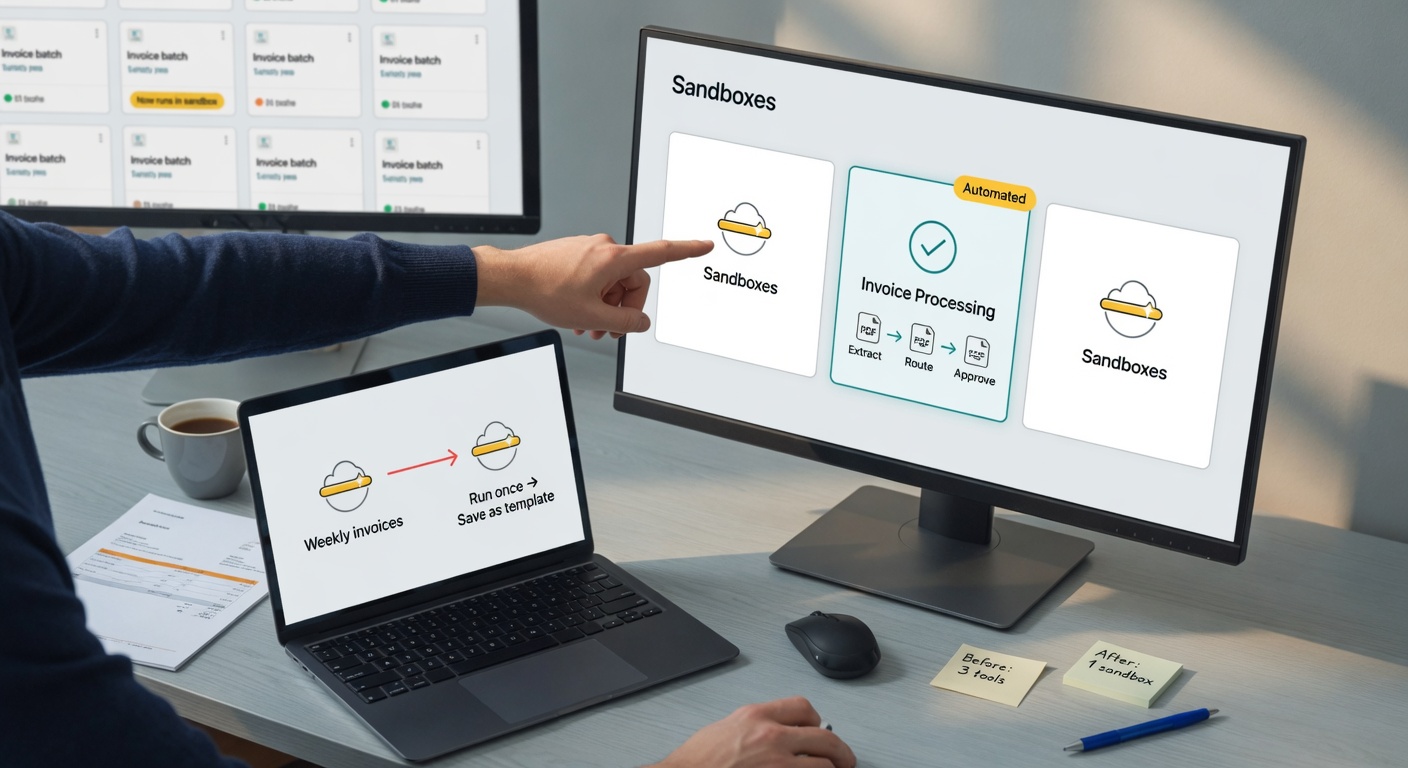
Simplifying Containers with Cloudflare Sandboxes: Turning the Idea Into a Useful Workflow
This draft follows the Practical AI & Automation Notes format: source context, Phu's perspective, a workflow example, risks, and a next step.
Read this noteSame lane, different angle
Implementing Hybrid Semantic + Lexical Search: Turning the Idea Into a Useful Workflow
This draft follows the Practical AI & Automation Notes format: source context, Phu's perspective, a workflow example, risks, and a next step.
Introducing RSC Explorer: Turning the Idea Into a Useful Workflow
This draft follows the Practical AI & Automation Notes format: source context, Phu's perspective, a workflow example, risks, and a next step.